The price comes from the shop and can change. Check price, size and delivery on the shop's page before you order.
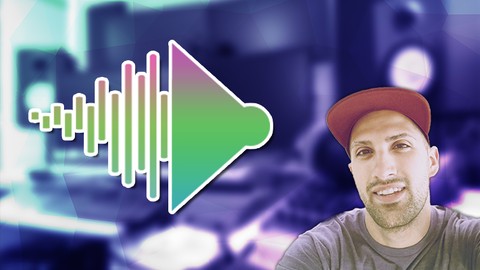
This course was created on request of many students wanting to learn how to make beats with a MIDIKeyboard. So, this course was created for those who asked! Learn to create beats with a MIDIKeyboard by learning how to properly set up a MIDIKeyboard (with the latest updated drivers), how to make sure you’ve purchased the right keyboard that suits you and your workflow, and the ultimate workflow of a MIDIKeyboard inside of FLStudio. Further, you’ll learn how to enable a MIDIKeyboard in FLStudio and applying a pre-created FLStudio Template to it. Near the end of this course, we create a little beat to show you the best workflow of using a MIDIKeyboard, and how to set up your knobs and sliders if you want that “hands-on” approach to working with music. If you’re wanting to learn how to use a MIDIKeyboard to make beats, enroll into this course, and learn the best way GratuiTous