The price comes from the shop and can change. Check price, size and delivery on the shop's page before you order.
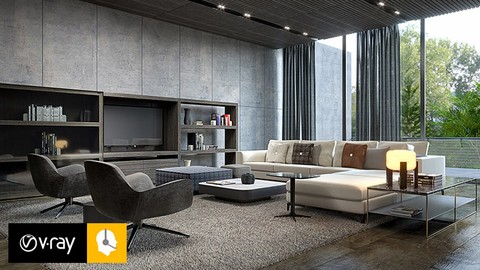
Hello everyone,I’m Evren Cavusoglu. I have been teaching sketchup and vray for 10 years. I finally published my second vray training in English. The subject of this course will be rendering interior day light with Vray Next For Sketchup. Vray Next is the latest vray version for sketchup (4.0). This is the fastest and most improved version ever. Significant updates have been added, especially on GPU rendering. Many users have difficulty in getting the ambience they want. This training set is designed particularly for interior rendering. In this training set, I explained the topics step by step from beginner to expert. Instead of large files, I explained subjects through small scenes. I added these scenes as files. If you are a Vray for sketchup 3.4 or 3.6 user, it will not be difficult to get used to this version. After learning the techniques in this course, you will know what to do in all your interior work. Now your day light renders will be of better quality and you will be able to please your customers. You can also apply the light lessons you see in this course in new versions of V-ray. At the end of the course, Photoshop and post production issues, which aim to further increase the render quality, are explained in detail for both night and day work. In short, this Vray Next For Sketchup Interior course will tell you how important model, material and light are with each other.