The price comes from the shop and can change. Check price, size and delivery on the shop's page before you order.
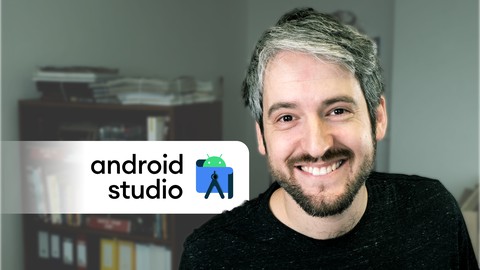
In just 2-3 hours of lectures and exercises, this course takes your Android Studio skills to new heights. Instead of trying to jam the hundreds of shortcuts that Android Studio provides into your brain, it focuses on skills that really matter. It’s not about how many shortcuts you know. It’s about how fluently and effortlessly you can edit your code. It doesn’t matter if you use Android Studio to develop in Java, Kotlin, Jetpack Compose, Flutter, pure Dart, or I don’t know Haskell. All the shortcuts covered are usable in all languages supported by Android Studio. In fact, they also work in other IntelliJ IDEs, such as IntelliJIDEA, PyCharm, WebStorm, PhpStorm, Rider, CLion, RubyMine, AppCode, or GoLand. If you’re not satisfied with the course, you can simply ask for a refund within 30 days. Who’s Filip Hracek? A game developer, a lecturer and a former Developer Advocate at Google. He spent much of his life in front of various IDEs, and often needed to code in front of live audiences. This was a great motivation for him to really learn how to code efficiently and fluently, without having to think about it too much. It’s all muscle memory now.