
The price comes from the shop and can change. Check price, size and delivery on the shop's page before you order.
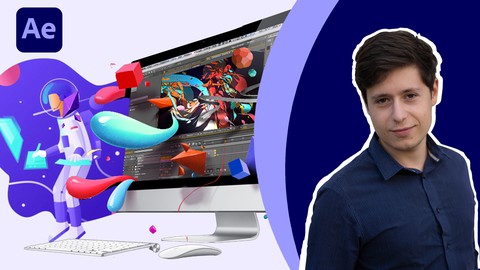
In this training course, focusing on the Efficiency Nova project, examines the techniques used in this project. This course includes tribal techniques: making flat design items with a shape layer, method of animating Ayatollah scenes, creating soft and complex animation, method of making dynamic items in flat style, effects used in this style, morph Flat-style items, shape integration, 3D shape making, human animation, Newton plug-in, advanced Stroke sandAfter completing this course, you can confidently produce flat design motion graphics. Prerequisite for this training course is the aftereffect introductory course. This training course is a reconstruction of the project that you see in the introduction, and we have practiced and completed the important parts of this project, and in the process of making these parts, you will learn how to make a flat graphic motion graphic. Be sure to follow the instructors’ work step by step so that you can learn how to make such motion graphics and use these techniques in your personal projects. One of the best ways to learn to build a complete motion graphics project in front of you is not to get tired after a long training and a few tips, and if you want to get results sooner and become a professional motion designer, see and do this tutorial