The price comes from the shop and can change. Check price, size and delivery on the shop's page before you order.
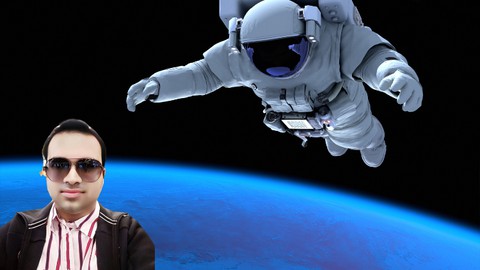
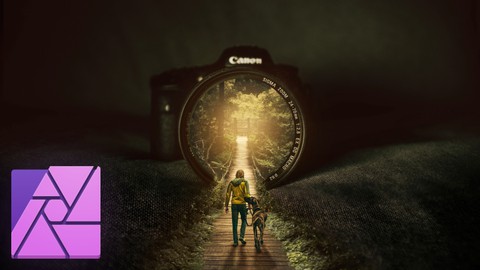
Have you ever wanted to combine multiple photos together? Maybe you’ve wanted to place yourself on a photo of the moon, or maybe you’ve wanted to see yourself sitting in a castle. No matter what idea you have, you can use Affinity Photo to bring it to life! Affinity Photo allows us to combine multiple images into a single photo. The process of combining photos is called compositing. Compositing is a lot of fun, but there are a few things you need to before you can make realistic composites. The skills you need to learn include finding the right images, making accurate selections, matching coloring, and matching lighting. Once you learn these skills, you’ll be able to seamlessly combine images, making them look like a single photo. Compositing is the greatest thing you can do in Affinity Photo, and now with this course, you will learn everything you need to bring your compositing ideas to life. By the time you finish this course, you will know how to make flawless selections, match color and lighting, and how to find the perfect images for your composite. I know you are going to love compositing! I can’t wait to see what you make. :)