The price comes from the shop and can change. Check price, size and delivery on the shop's page before you order.
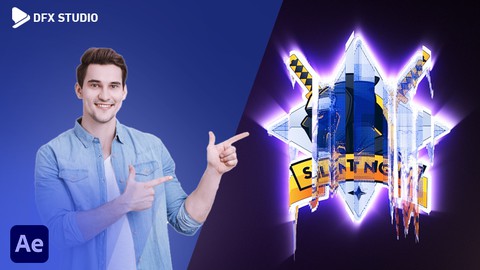
DescriptionIn this course, we’ll discuss everything about how to make a Glitch Logo Animation. Get up to speed on the techniques used to create stunning logo animations for your videos or projects! Requirements After Effectswe’ll cover everything step by step, so you can easily follow through, including. Glitch Logo Map camera animation animation Compositing color correction keyframe camera depth of fieldAdobe After Effects CC: Logo Animation with Motion Graphics will show you the necessary tools as you apply them. Whether you want to create animations just for fun, or you work in a production studio and need this information done right this instant, After this course, you’ll be able to easily create professional Glitch Logo Animation and create a lot of thingsUdemy offers a 30-day 100% money-back guarantee. So if you for any reason at all find that the course wasnt for you, you can get a full refund.I’m very excited to be sharing my knowledge with you and can’t wait to see what you create with the skills you’ll learn in this course. So if you’re ready let’s get started!I’m very excited to be sharing my knowledge with you and can’t wait to see what you create with the skills you’ll learn in this course. So if you’re ready let’s get started!